 ResumeLog
Fits around how you already search. No new habits.
Add the extension and sign in
Install ResumeLog from the Chrome Web Store and pin it. The first time you open the side panel it asks you to sign in: the dashboard opens, you continue with Google, and the extension connects itself. No new password.
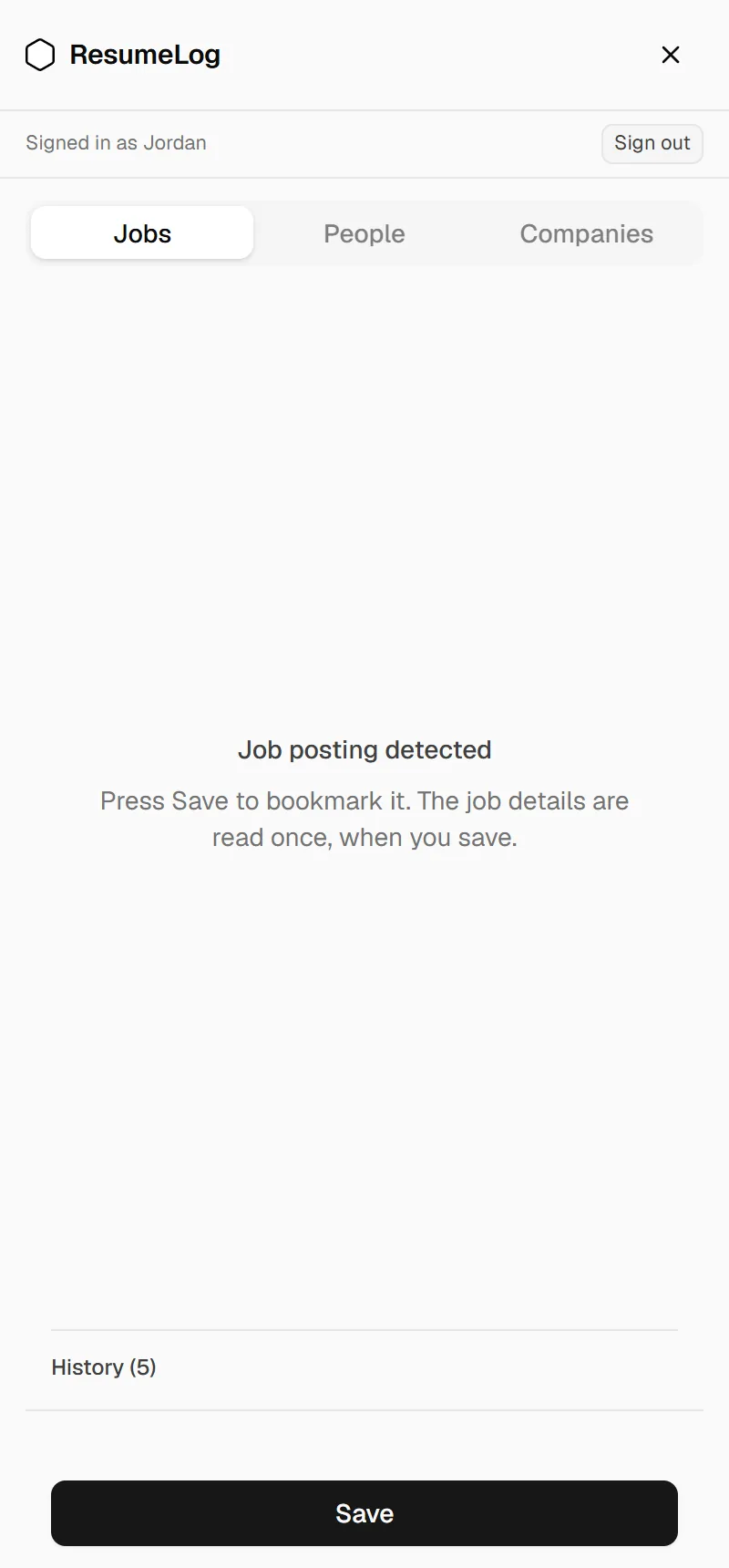
Browse LinkedIn and press Save
Go through jobs the way you normally would. When one is worth keeping, press Save. The same works on company pages and recruiters’ profiles. Each save is stored in the extension first and then synced.
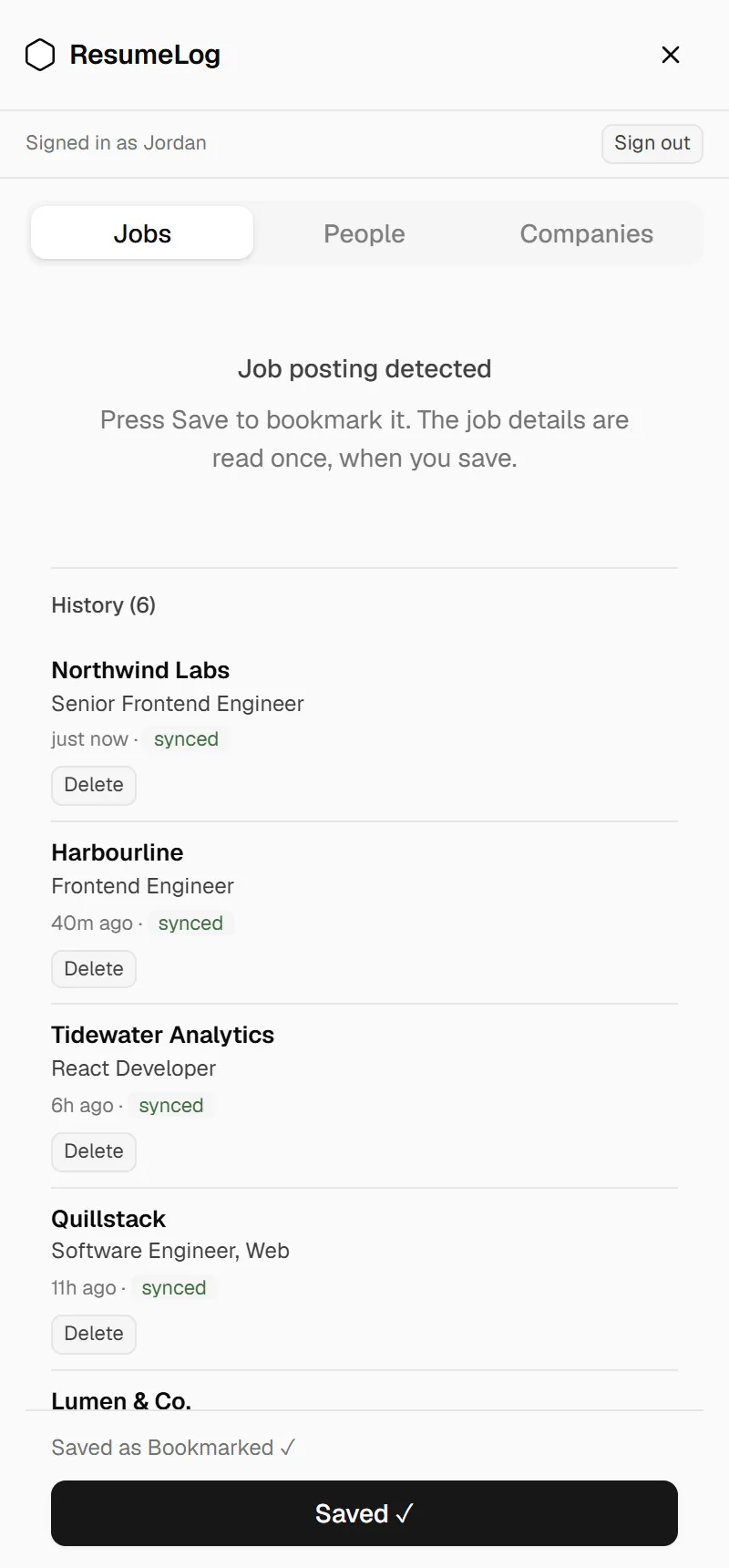
Tailor your résumé before you apply
Upload your résumé as a Word file and open it in the editor. Run an ATS check against the job you saved, add the keywords that are genuinely true for you, and publish a PDF to your library.
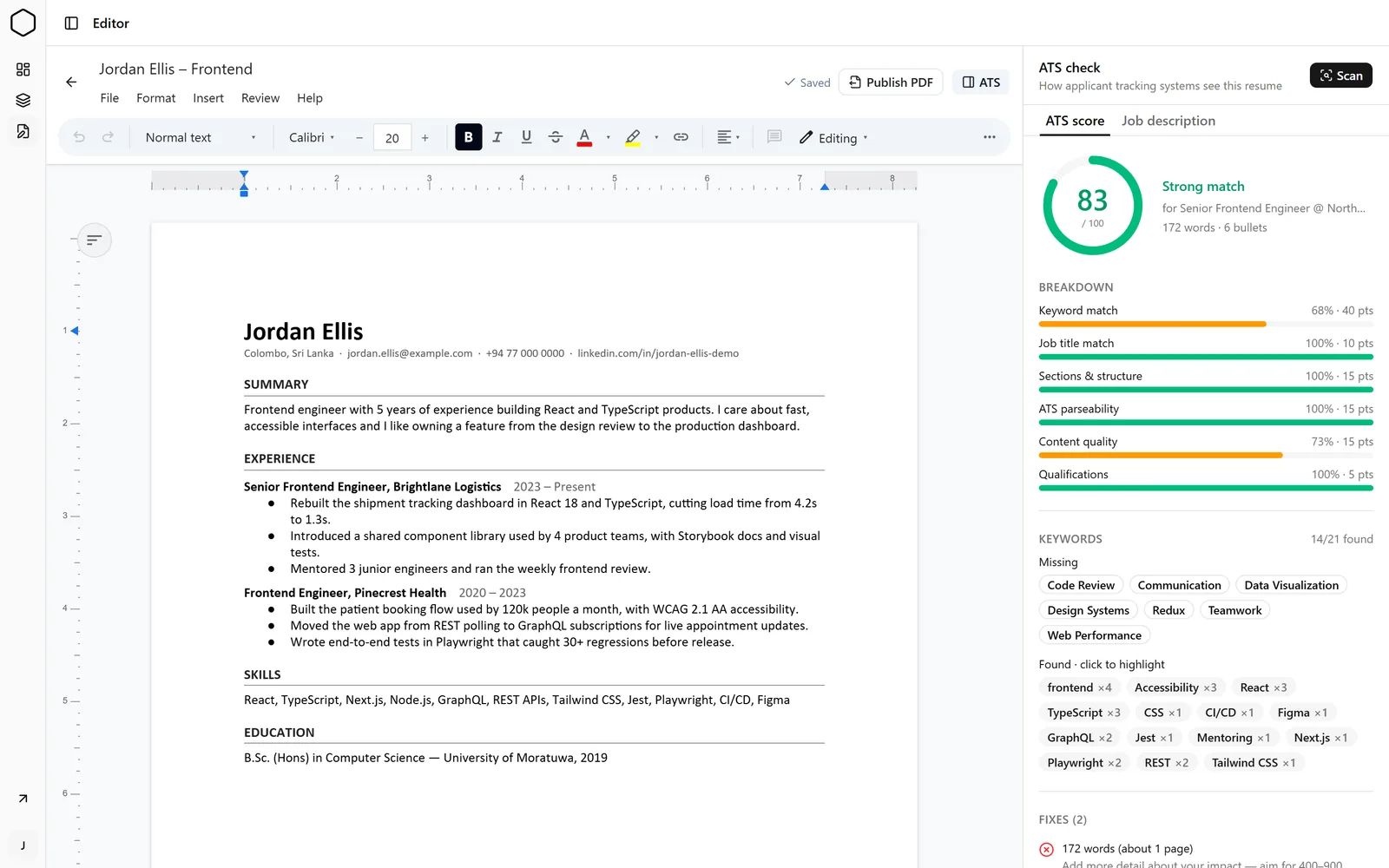
Apply, and let the log keep up
Apply wherever the job is. With LinkedIn Easy Apply, your questions and answers are saved when you press Submit. Otherwise set the status to Applied and attach the PDF you sent.
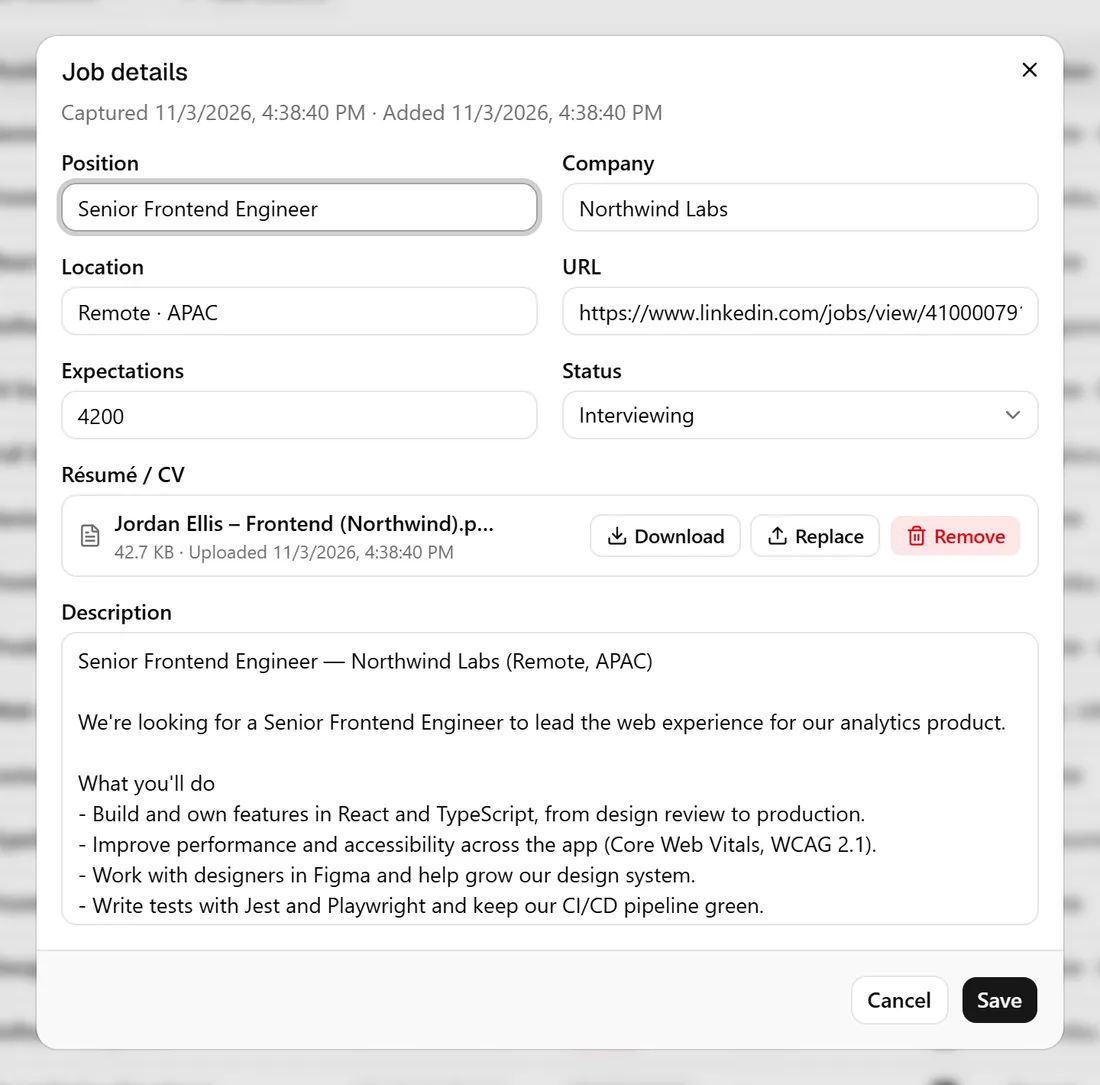
Check in once a week
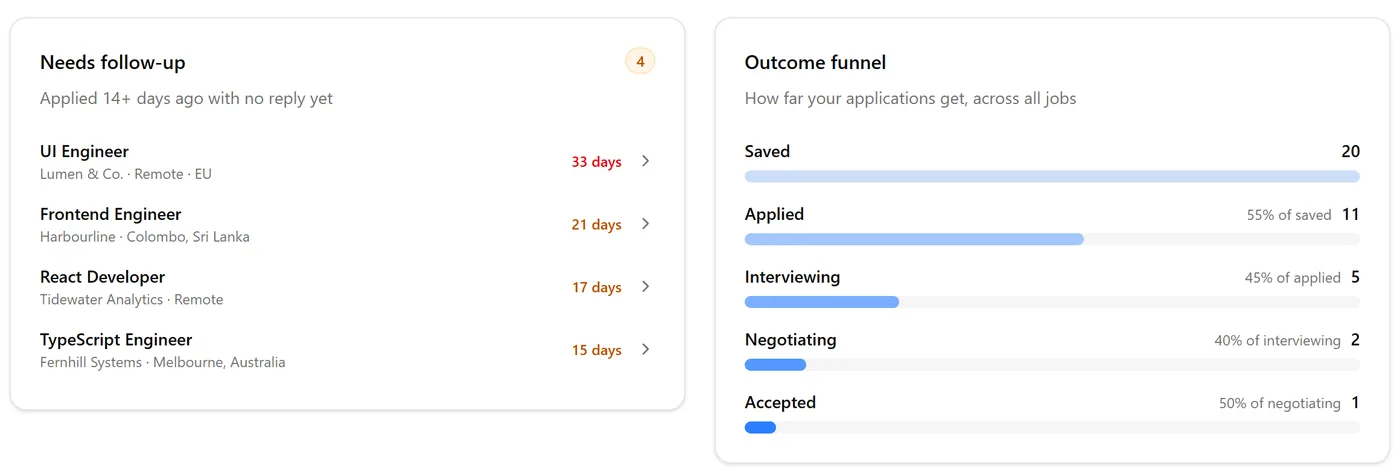
Open the dashboard to see what’s moved. Update statuses as replies arrive, follow up on anything that’s gone quiet (Pro), and use the funnel to see where things stall.
Questions. The ones people ask first.
- Does it apply to jobs for me?
- No. ResumeLog never submits anything on your behalf. It records what you did.
- What does the extension read?
- Only the LinkedIn page in front of you: when you press Save, and the Easy Apply review screen when you press Submit. Not your messages, not your feed.
- Who can see my log?
- Only you. Everything is tied to your Google sign-in and is never shared or sold. You can delete any entry at any time.
- Which browsers does it work in?
- Chrome. Other Chromium browsers that install from the Chrome Web Store may work, but only Chrome is tested.
- Does it work outside LinkedIn?
- Saving works on LinkedIn today. The résumé editor and ATS check work with any job: pick one you saved, or paste the description.
- What does it cost?
- Free covers saving, the editor and five ATS scans a day. Pro is $12 a month with a 14-day money-back guarantee.