 ResumeLog
The job tracker that lives in Chrome.
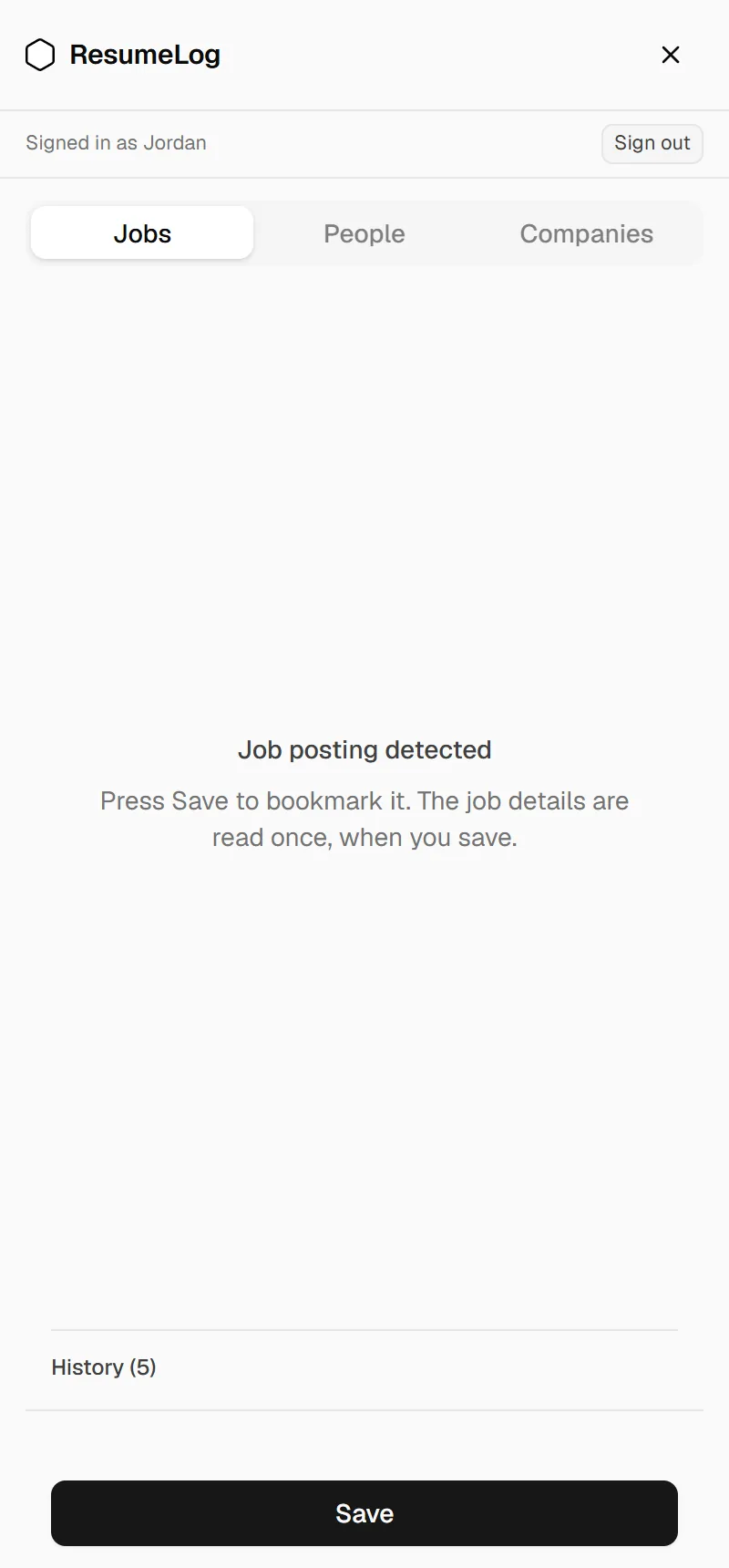
ResumeLog is a free Chrome extension that opens as a side panel next to LinkedIn. It recognises whether you’re on a job, a company page or a profile, and saves it to your job tracker in one click, with the full description, synced to your dashboard.
What does the ResumeLog Chrome extension do?
It saves what you’re looking at on LinkedIn. On a job it keeps the title, company, location and full description; on a company page, size, industry and location; on a profile, the person’s name, headline and company. Everything appears in your dashboard.
What happens if my connection drops?
Saves are stored in the extension first and then synced, so a dropped connection doesn’t lose anything. The side panel shows a history of what you’ve saved and whether it has synced.
What can the extension see?
Only the LinkedIn page in front of you, when you press Save, and the Easy Apply review screen when you press Submit. It doesn’t read your messages or your feed, and it never applies to jobs for you.
How do I install it?
Add ResumeLog from the Chrome Web Store and pin it. The first time you open the side panel it asks you to sign in: the dashboard opens, you continue with Google, and the extension connects itself. There’s no new password.
Questions. About the job tracker chrome extension.
- Is the extension free?
- Yes. The extension and the job tracker are free.
- Does it work in Edge or Brave?
- Chromium browsers that install from the Chrome Web Store may work, but only Chrome is tested.
- Which sites does it save from?
- LinkedIn jobs, company pages and profiles today.